
The Blessing and Curse of Links
On Wednesday (April 1st), I got into my office, sat down and started going through the backlog of messages and mail that had come in overnight when a notification popped up:
“Since our team is working on implimenting AI in our work, I found this article with the top 10 ways to use AI in your day, so I thought I would share: {LINK}”
It was true that AI had been a push and I have pragmatic thoughts on its usefulness for most people’s positions so I went to hover over the message. The link popped up as a YouTube link and I remembered a conversation I had that morning with my brother where he said “Ah, 1st of April: the only day of the year that people critically evaluate things they found on the Internet before accepting them as true” and I realized that if I were a betting man, I would place money that this link was not what it claimed to be.
I chose not to click it and was rewarded a few minutes later by hearing a coworker nearby click on it and endure “Never Gonna Give You Up” as his reward. So with that example in mind join me on a trip down memory lane to talk about a technology that we take for granted and that is still a major source of risk.
In the early days of computing, information was a series of silos. If you wanted to reference another document, you had to hope the reader had a physical copy or knew exactly where to find it on a local drive. The hyperlink changed everything, turning the internet from a collection of files into a global, interconnected web.
This technology goes far beyond the simple blue-underlined text you can click on in a document that takes you somewhere else. It is the principle by which you are able to type human readable URLs into a browser and have your computer magically know where in the world to go and grab that website from and how to display it to you.
A Brief History of the Link
The concept of "hypertext" isn't as new as you might think. Its origins date back decades before the first browser:
1945: Vannevar Bush proposed the Memex, a theoretical device that would allow users to create "trails" of information between microfilmed documents.
1963: Ted Nelson coined the terms "hypertext" and "hypermedia," envisioning a system called Project Xanadu where everything was deeply interlinked.
1989-1990: Sir Tim Berners-Lee revolutionized the world by implementing the first successful communication between a Hypertext Transfer Protocol (HTTP) client and server. This gave birth to the World Wide Web.
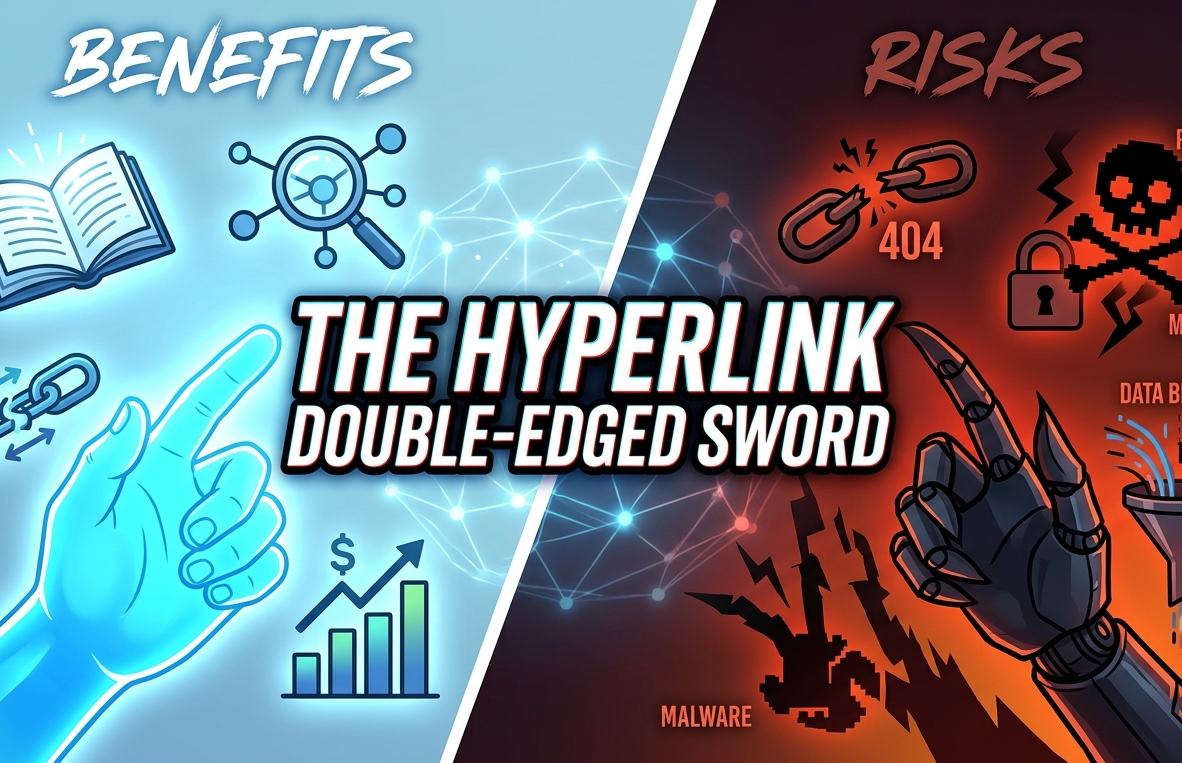
The Benefits: Why We Can’t Live Without Them
Hyperlinks are the "connective tissue" of the digital economy. Even for working on your computer you don’t realize how helpful links are in getting around to the different files on your computer until you spend a day only using command line or terminal to “cd” and “ls” your way around every nook and cranny of the hard drive to find a word doc.
For businesses, links provide:
SEO Authority: Search engines use links to crawl the web. High-quality "backlinks" (others linking to you) act as votes of confidence, boosting your search rankings.
User Experience (UX): They allow for non-linear reading. Users can "drill down" into complex topics only when they need more detail, keeping primary content clean.
Conversion Pathways: Links are the bridge between a blog post and a sales demo. Without them, the customer journey is a dead end.
The Risks: The Dark Side of the Click
While essential, links are the primary vector for modern cyber threats.
Phishing and Spoofing: Attackers use "look-alike" URLs (e.g., micros0ft.com instead of microsoft.com) to steal credentials.
Malware Distribution: A single click can trigger a drive-by download, installing ransomware or spyware on an employee's machine before they even realize the page hasn't loaded.
Remember that by clicking on any link, you are essentially opening a door and giving permission for the computer to take you anywhere or for it to pull down anything.
Data and Privacy Concerns
From a data perspective, links carry more information than most users realize.
1. Referrer Headers
When you click a link, your browser often sends a "Referer" [sic] header to the destination site. This tells the new site exactly which page you just came from. For internal corporate wikis, this can accidentally leak sensitive internal URLs.
2. Tracking Parameters (UTMs)
Those long strings of gibberish at the end of a URL (e.g., ?utm_source=newsletter) are designed to track your behavior. While great for marketers, they create a detailed digital trail of a user’s interests and habits across different platforms.
Fun fact if you want to see this in action, go to YouTube and try to share a video using the share button below the video. It will automagically add in an ID that tells the computer that uses that link that you were the one who shared it.
Best Practices for Your Business
To harness the power of links without the headache:
Hover Before You Click: Always check the status bar in your browser to see the actual destination URL.
Audit Your Site: Regularly run "broken link" checks to maintain your SEO health and professional image.
The hyperlink is the most powerful tool in the technology arsenal—just make sure you're the one wielding it, and not the other way around.